
Guides
Free resources to help you navigate your devices. Bookmark this page for future reference!

How to improve accessibility on iPhone
You don’t have to consider yourself someone who needs “accessibility” features to benefit from them. Learn how Apple’s built-in tools can help adapt your devices to the way you use them.
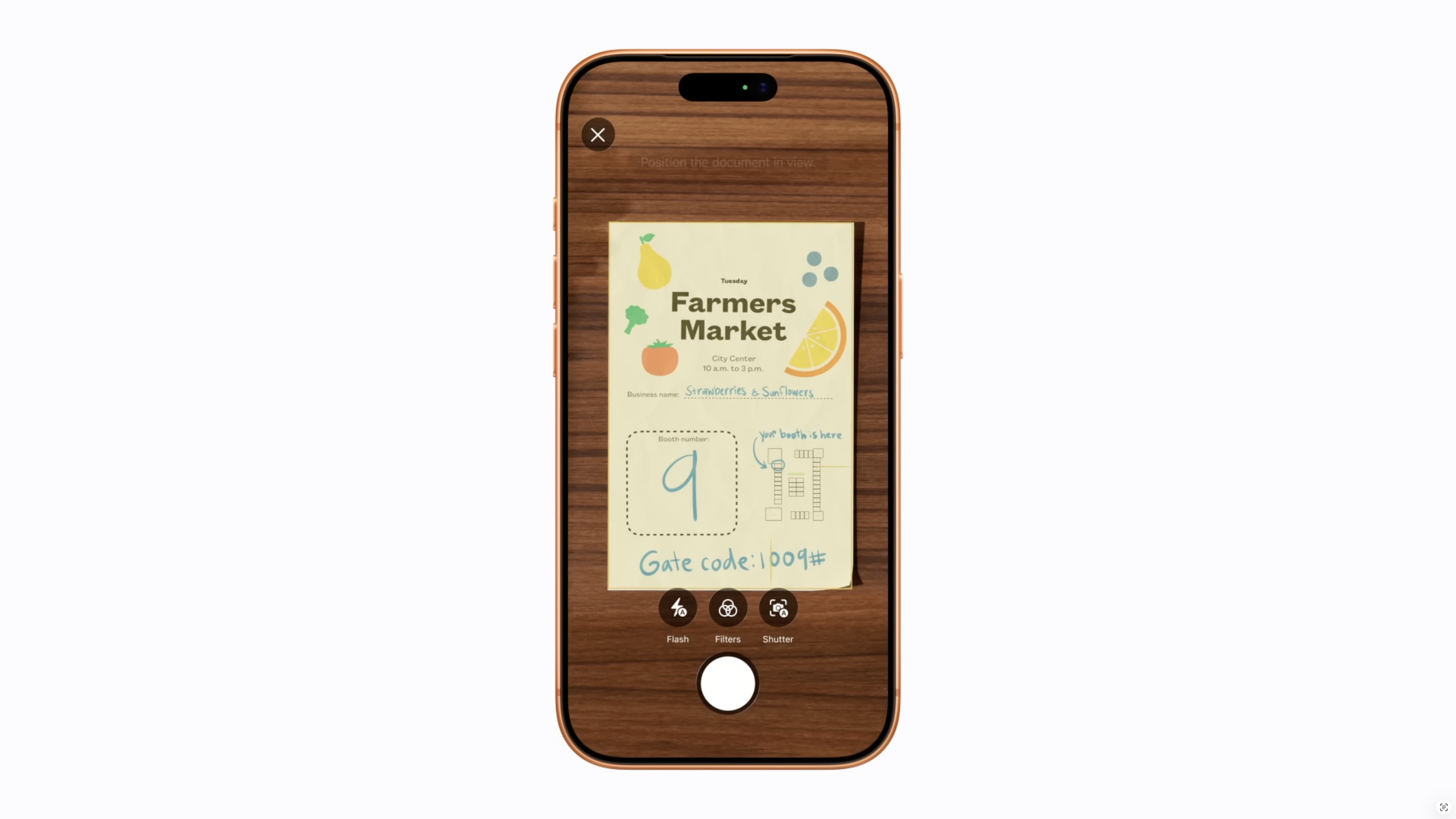
How to scan documents using Notes on iPhone
Did you know your iPhone has a built-in scanner? Whether it’s receipts, forms, letters, or important paperwork, scanning with your iPhone can help you stay organized and reduce clutter.
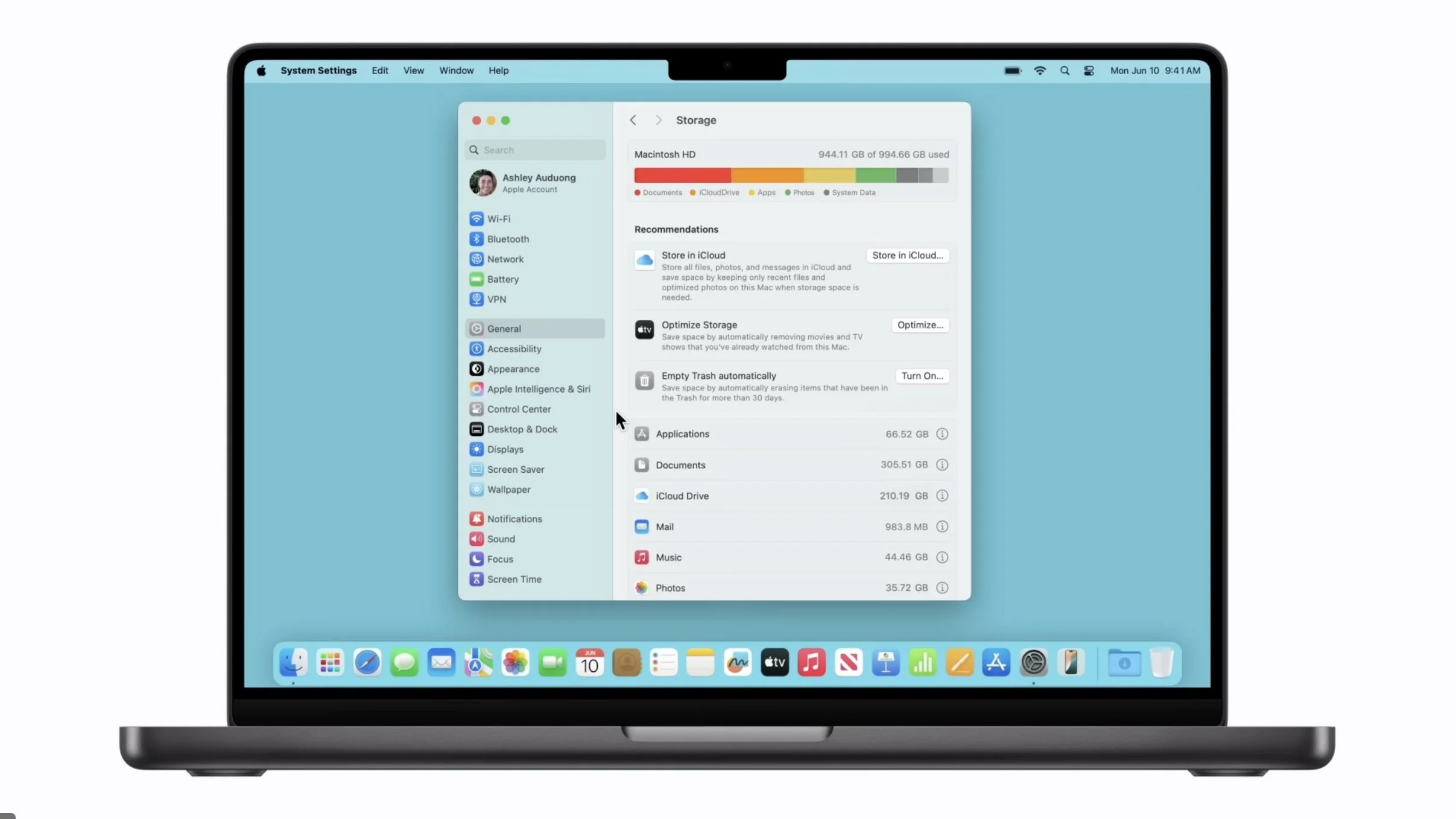
How to free up storage space on your Mac
Freeing up space on your Mac doesn’t have to be complicated. With a few simple steps, you can create more room, improve performance, and make your device feel like new again.

How to choose the right Mac for seniors: a buyers guide for 2026
Apple computers are known for being simple, reliable, and easy to use, making them a great choice for older adults. But which Mac is the right one? In this guide, we’ll walk through the most popular Mac options and help you decide which one fits your needs best.
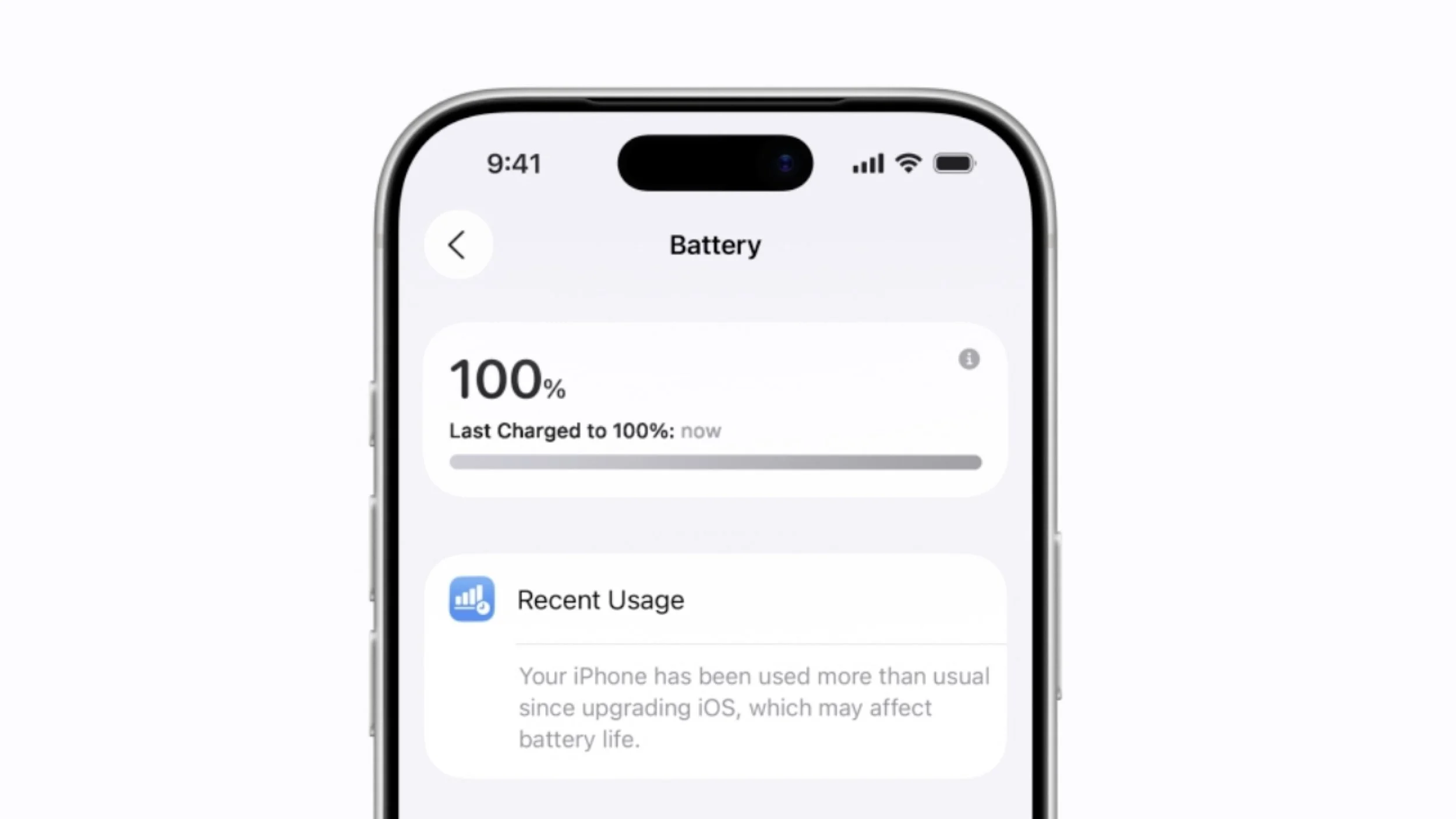
How to save battery on iPhone: 10 tips to make your battery last longer
Many people notice their phone running out of power before the end of the day, but a few simple adjustments can significantly improve your iPhone’s battery life. Here are 10 easy ways to help your iPhone battery last longer.

How to use Siri on iPhone and iPad
Did you know your iPhone has a built-in assistant that can help you make calls, send messages, set reminders, check the weather, and much more just by using your voice? This assistant is called Siri, and once you learn how to use it, everyday tasks become faster and easier.
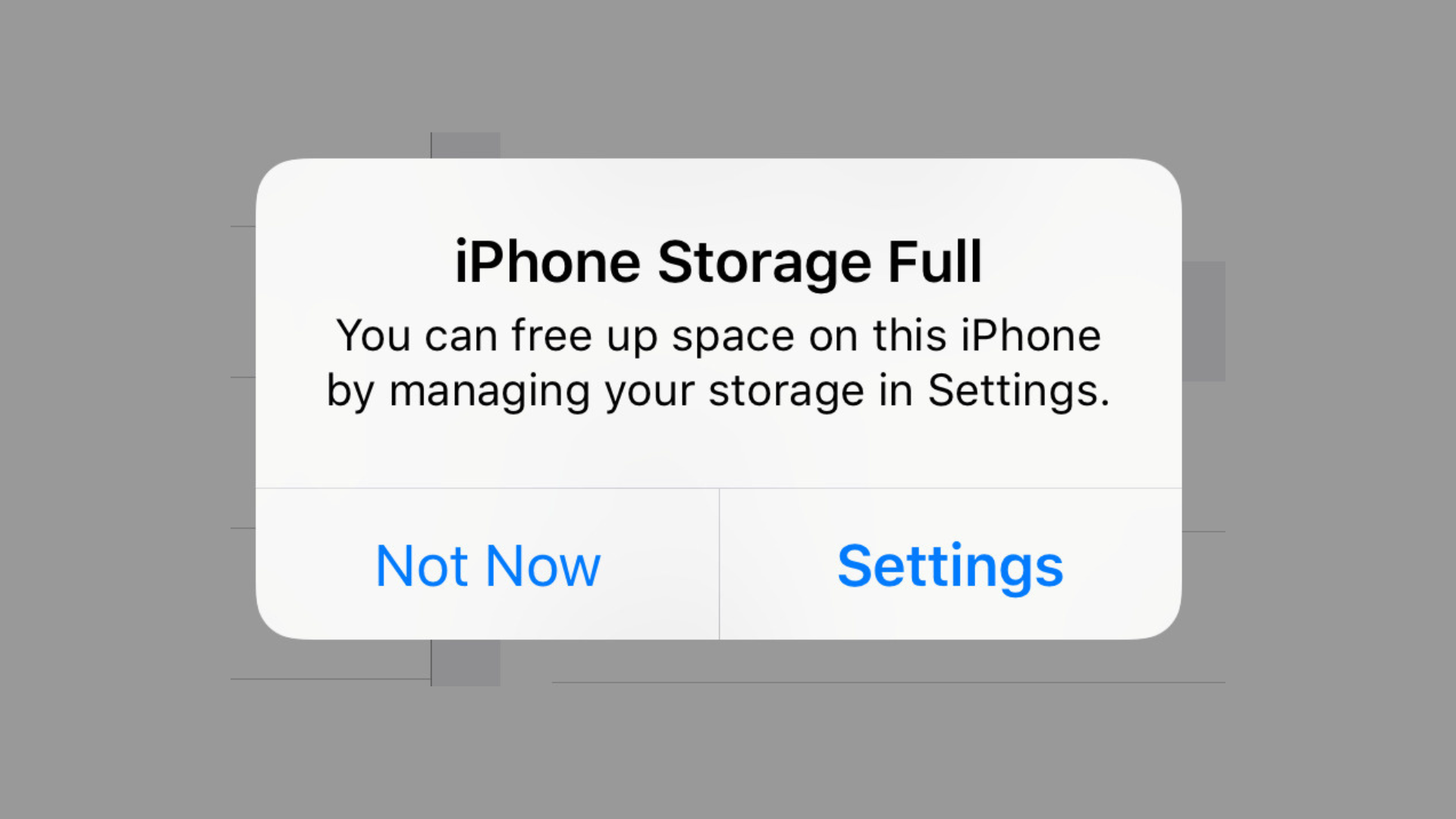
How to free up storage space on your iPhone
If your iPhone says “Storage Almost Full”, apps may stop working properly, photos may not save, and updates may fail to install. The good news? You can free up space quickly with a few simple steps.

How to back up photos from your iPhone
Photos and documents hold memories, milestones, and important information. Losing them can be heartbreaking, but preventing loss is surprisingly simple.